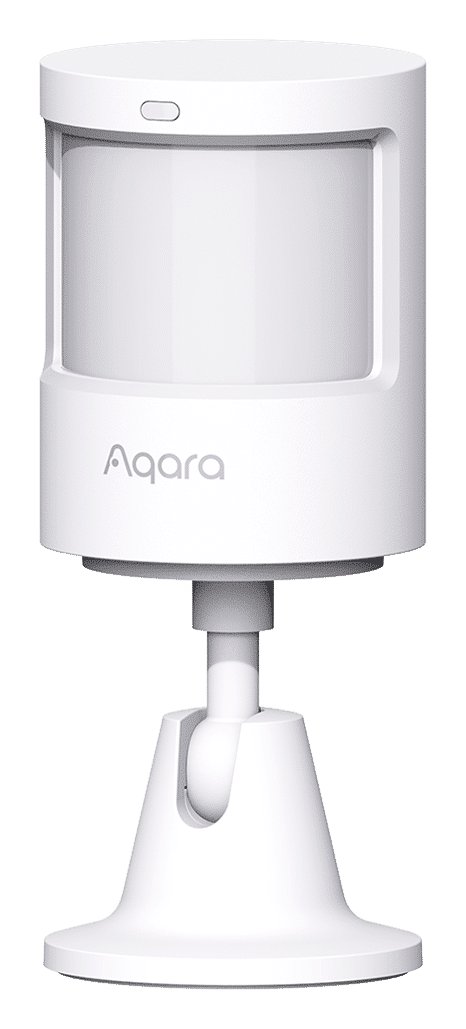
Zigbee motion sensor
Rated 4.2 out of 5: 4.2 · 901 ratings
A motion sensor that sees a 150-degree sweep out to 7 m and runs up to five years on its batteries, by Aqara's figure.
One Aqara Motion Sensor P1 with its stand (Zigbee 3.0 hub required, sold separately)
We earn a commission if you buy through these links, at no cost to you.
Manuals and documents
- 5 yearsbattery life, by Aqara's figure (LED off)
- 7 mdetection range at 150 degrees, per Aqara
- 170 degreesfield of view up to 2 m, per Aqara
- Zigbee 3.0needs a hub, per Aqara
“Aim one down the hallway and one at the back door, and let the hub turn the lights on for you.”
A motion sensor turns a dark hallway, a back door or a garage into something the house watches for you. Paired with a hub, the Aqara P1 can send an alert, sound a siren, or turn on a light when someone walks in, and a light coming on draws a neighbor's eye in a way a light left on does not.
The P1 is a sensor, not a whole system: it needs a hub, and Aqara says an Aqara Zigbee 3.0 hub is required. Through the hub it works with HomeKit, Alexa and IFTTT. It runs on two CR2450 coin cells for up to five years by Aqara's figure (with the LED off and a timeout of 30 seconds or more), so it keeps watching through an outage as long as the hub has power.
Aqara gives it a 170-degree view out to 2 m and 150 degrees out to 7 m, three sensitivity settings, and a built-in light sensor so lights come on only when it is dark.
How to use it
- Set up the Zigbee hub first, then add the sensor from the hub's app.
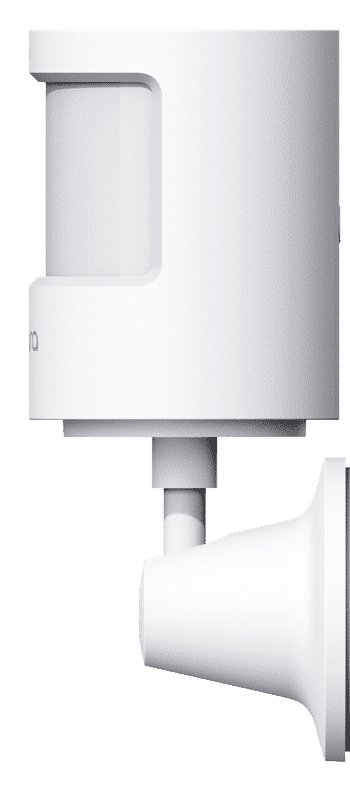
- Mount it on its 360-degree stand or the wall, aimed across the path people walk.
- Choose the sensitivity and the detection timeout in the app; a longer timeout saves battery.
- Walk past to test, then set the alert, siren or light you want it to trigger.
- Keep spare CR2450 cells with the supplies.